AI Image Generator: Create Unique Visuals from Text Prompts
The Visual Content Demand
Every piece of content needs visuals. Blog posts, social media, presentations, videos—all perform better with relevant, high-quality images. But sourcing those images is a constant challenge.
Stock photos are overused and expensive. Custom photography requires planning, equipment, and editing. Hiring illustrators costs hundreds per image.
Traditional Image Sourcing
Stock sites have limited selection for specific concepts. Searching for "AI analyzing video content" gives generic tech images, not what you actually need.
The result is either bland visuals that don't connect with your content, or expensive custom work that eats into your budget.
How AI Image Generation Works
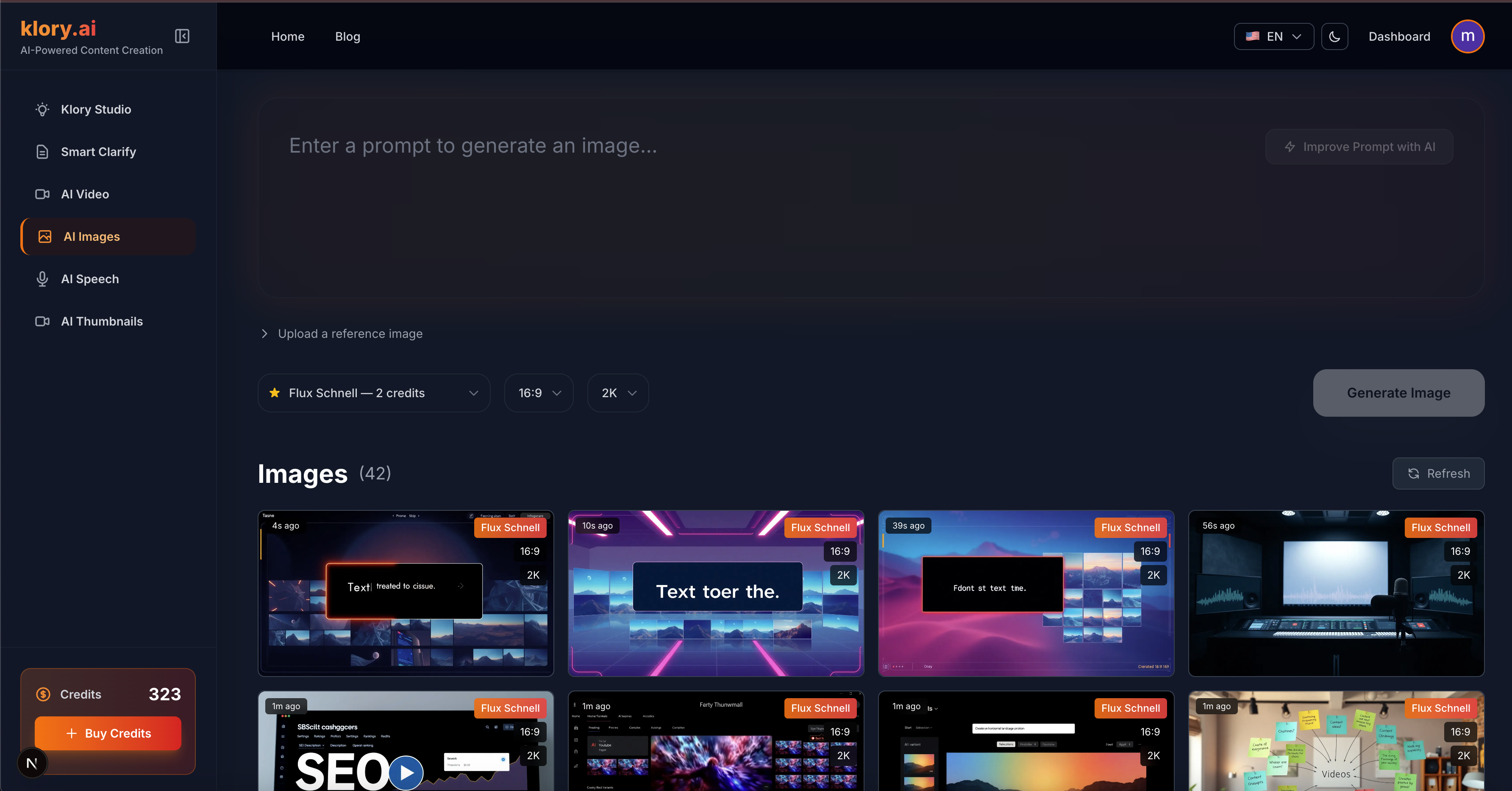
AI Image Generator creates custom images from text descriptions. Describe what you need, select a style, and get unique visuals in seconds.
Use reference images to guide the AI toward specific aesthetics. Upload a style reference and the AI incorporates those visual elements.
Writing Effective Prompts
Blog writers use it to create custom header images that match article content exactly. No more generic stock photos that every competitor also uses.
Social media managers use it to generate platform-specific visuals quickly. Each post gets a relevant image without extensive design work.
Video creators use it to generate b-roll imagery, title cards, and visual elements that enhance their content.
Marketers use it to visualize concepts during brainstorming. Quick image generation helps stakeholders see ideas before committing to expensive production.
Where to Use AI Images
Effective prompts are specific but not overloaded. Include subject, style, mood, lighting, and composition details. Start broad, then refine based on results.
Negative prompts help avoid unwanted elements. Specify what you don't want to improve output quality.
Licensing and Commercial Use
AI-generated images can be used commercially in your content. They're unique to you—no licensing conflicts or attribution requirements.
Build a library of generated images in your dashboard. Reuse visuals across projects or generate variations of successful images.